10 Ways I Use ChatGPT to Build WordPress Websites Faster
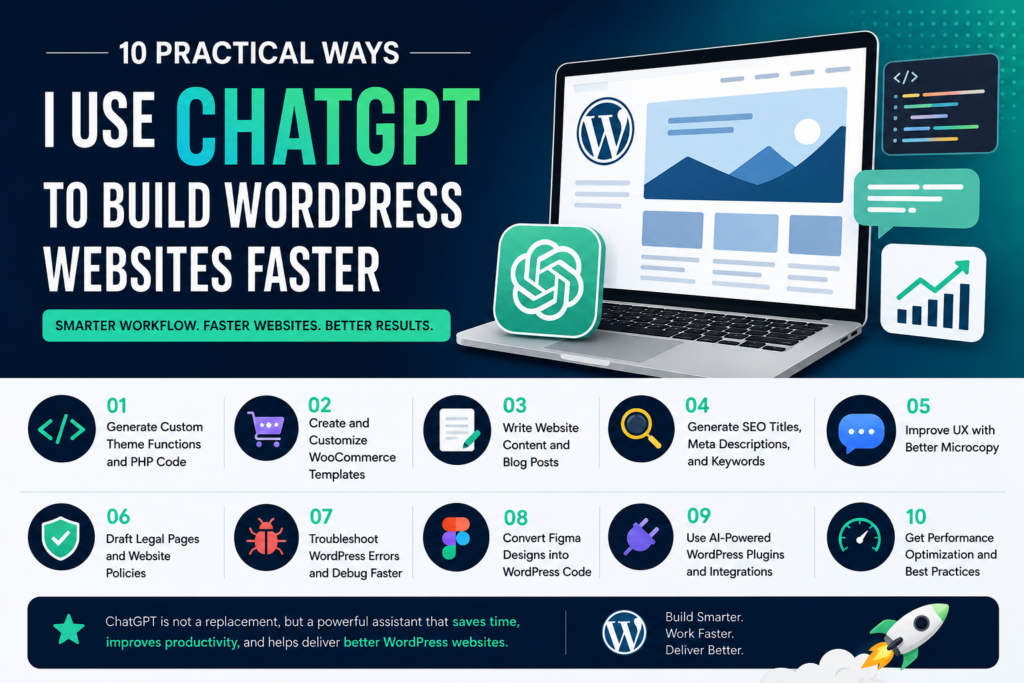
Building a WordPress website has become significantly faster and easier than it was just a few years ago. One of the biggest reasons behind this transformation is the rise of AI-powered tools, especially ChatGPT.
As a WordPress developer and freelancer, I have completely changed the way I work over the last few months. Tasks that previously required hours of coding, research, and troubleshooting can now be completed in minutes. Instead of spending time on repetitive work, I can focus more on strategy, customization, and delivering better results for my clients.
In this article, I’ll share 10 practical ways I use ChatGPT in my daily WordPress workflow. These are real-world techniques that help me save time, improve productivity, and build websites more efficiently without compromising quality.
1. Generate Custom WordPress Theme Functions and PHP Code
Writing custom PHP functions is a common part of WordPress development. Whether it’s creating custom post types, registering taxonomies, adding theme functionality, or extending existing features, ChatGPT can generate a solid starting point within seconds.
Instead of searching through documentation or writing boilerplate code from scratch, I simply describe the functionality I need. ChatGPT provides structured code that I can review, test, and customize according to the project requirements.
This approach not only saves development time but also helps reduce repetitive coding tasks.
Pro Tip: Always mention your WordPress version, theme structure, and specific requirements in your prompt to get more accurate and compatible code suggestions.
2. Create and Customize WooCommerce Templates Faster
WooCommerce projects often require custom layouts for product pages, cart pages, checkout pages, and account dashboards. Building these templates from scratch can be time-consuming.
ChatGPT helps me generate WooCommerce template structures and customization examples that serve as a foundation for development. From modifying product layouts to improving the checkout experience, it significantly speeds up the initial development process.
While the generated code usually requires refinement, it eliminates the need to start with a blank file and allows me to focus on client-specific requirements.
3. Write Website Content and Blog Posts More Efficiently
Content creation is often one of the most time-consuming aspects of website development. Clients frequently need help with homepage copy, service pages, about pages, FAQs, and blog articles.
With ChatGPT, I can quickly generate high-quality first drafts by providing information about the target audience, brand tone, and key selling points. The generated content gives me a strong starting point that I can refine and personalize.
This process helps reduce content creation time while maintaining consistency across the website.
Important: Always review, fact-check, and edit AI-generated content before publishing to ensure accuracy and originality.
4. Generate SEO Titles, Meta Descriptions, and Keyword Ideas
Search engine optimization plays a critical role in website visibility. Creating optimized SEO titles and meta descriptions for every page can become repetitive, especially on large websites.
I regularly use ChatGPT to generate multiple title and description variations based on the target keyword and page topic. This allows me to quickly identify compelling options that align with SEO best practices.
In addition, ChatGPT can suggest related keywords, FAQ ideas, and content angles that improve search visibility and user engagement.
5. Improve User Experience with Better Microcopy
Microcopy includes all the small pieces of text users interact with throughout a website, such as buttons, form messages, tooltips, onboarding instructions, and notifications.
Although these elements are often overlooked, they have a significant impact on user experience and conversion rates.
ChatGPT helps me create concise, user-friendly microcopy that is clear, professional, and aligned with the website’s tone of voice. This ensures a more polished experience without spending hours refining individual messages.
6. Draft Legal Pages and Website Policies
Most business websites require legal pages such as Privacy Policies, Terms and Conditions, Cookie Policies, and Refund Policies.
Creating these documents manually can be tedious. ChatGPT provides well-structured draft versions based on industry standards and common website requirements.
These drafts serve as an excellent starting point and help accelerate the development process. However, they should always be reviewed by a qualified legal professional before publication, especially for websites subject to regulations such as GDPR or CCPA.
7. Troubleshoot WordPress Errors and Debug Faster
Debugging is one of the areas where ChatGPT provides the most value. When I encounter PHP errors, plugin conflicts, JavaScript issues, CSS problems, or unexpected WordPress behavior, I often paste the error message along with relevant code snippets into ChatGPT.
In many cases, it quickly identifies potential causes and suggests solutions that point me in the right direction.
While it doesn’t replace proper testing and debugging practices, it significantly reduces research time and helps resolve issues more efficiently.
8. Convert Figma Designs into WordPress Development Assets
One of the most powerful workflows in modern web development is using AI to bridge the gap between design and development.
When working with Figma designs, I often use a structured prompting process:
- Convert the Figma component into semantic HTML and CSS.
- Transform the HTML into a WordPress template structure.
- Optimize the code for SEO, accessibility, and Core Web Vitals.
This workflow dramatically reduces the time required to move from design approval to development-ready code and allows me to focus on refinement rather than repetitive implementation.
9. Use AI-Powered WordPress Plugins and Integrations
The WordPress ecosystem has rapidly adopted AI technology. Many popular plugins now include built-in AI capabilities that integrate directly with tools like ChatGPT.
Plugins such as AI Engine, SeedProd, and Spectra allow developers and content creators to generate headlines, page content, product descriptions, and other website elements without leaving the WordPress dashboard.
These integrations streamline content production and improve workflow efficiency by reducing context switching between tools.
10. Get Performance Optimization Recommendations
Website performance directly affects user experience, SEO rankings, and conversion rates. Optimizing Core Web Vitals, page speed, caching, images, and database performance requires careful attention to detail.
I frequently use ChatGPT as a performance consultant by asking for optimization checklists, best practices, and recommendations based on specific website scenarios.
Whether it’s identifying unnecessary plugins, implementing lazy loading, optimizing database queries, or improving caching strategies, ChatGPT helps ensure that important performance considerations are not overlooked.
Final Thoughts
ChatGPT is not a replacement for WordPress developers. Instead, it acts as a highly capable assistant that accelerates development, content creation, SEO optimization, and troubleshooting.
The real value comes from combining AI-generated output with professional expertise, testing, and customization. When used correctly, ChatGPT can dramatically increase productivity while maintaining high standards of quality, security, and performance.
If you work with WordPress regularly, I highly recommend experimenting with these techniques. Even implementing a few of them can significantly improve your workflow and help you deliver projects faster than ever before.